Building an IT Security Plan for Canadian SMBs
Learn how to build an IT security plan that fits your Canadian SMB. Practical steps on risk, controls, incident response, and compliance.

Learn how to build an IT security plan that fits your Canadian SMB. Practical steps on risk, controls, incident response, and compliance.

Your clinic manager gets a message that a software provider has suffered a breach. The provider handles appointment data, and nobody can say which systems or records might be exposed, who must make the decisions, or how staff should respond to patient questions. The security policies are somewhere in a shared folder. The plan isn't.
That gap isn't solved by buying another security tool. A useful IT security plan assigns ownership, ranks business risks, funds practical controls, and gives people clear steps to follow before, during, and after an incident.
When a vendor reports a breach, your organization needs to answer practical questions quickly. Which services does the vendor provide? What information can it access? Who can disable its access, assess the exposure, and contact affected customers? Without named owners and an escalation process, staff often spend the first hours figuring out who's responsible.
The consequences aren't theoretical. Statistics Canada's 2023 Canadian Survey of Cyber Security and Cybercrime found that approximately 16% of Canadian businesses reported being affected by a cybersecurity incident that year. The reported share was lower than in earlier survey years, but recovery costs rose: businesses spent about $1.2 billion recovering from incidents in 2023, double the roughly $600 million spent in 2021 (Statistics Canada's cybersecurity survey).
Privacy-breach reporting points to another planning priority. The Office of the Privacy Commissioner of Canada received 693 PIPEDA breach reports affecting approximately 25 million accounts in the 2023–2024 reporting year (the Commissioner's annual report). That scale makes vendor access, cloud services, and breach responsibilities part of security governance, not details to leave to the IT department.
Clinics manage clinical and patient information. Manufacturers depend on systems that support production and logistics. Professional firms hold sensitive client, financial, and employee records. Each needs a plan that connects protection to operational decisions: what must keep running, who has authority to act, and how services and data will be restored.
For a practical comparison of how smaller organizations can approach the basics in another market, this practical guide for Australian small business owners offers useful background. The details of Canadian obligations differ, but the core lesson travels: security works better when responsibilities and procedures are clear before a breach.
Start by deciding what the plan covers. The Canadian Centre for Cyber Security's baseline guidance defines a small or medium organization as one with fewer than 500 employees. It recommends identifying systems and assets, assessing potential harm to confidentiality, integrity, and availability, naming a leader responsible for security, and recording risks and exclusions (the Cyber Centre's baseline controls guidance).
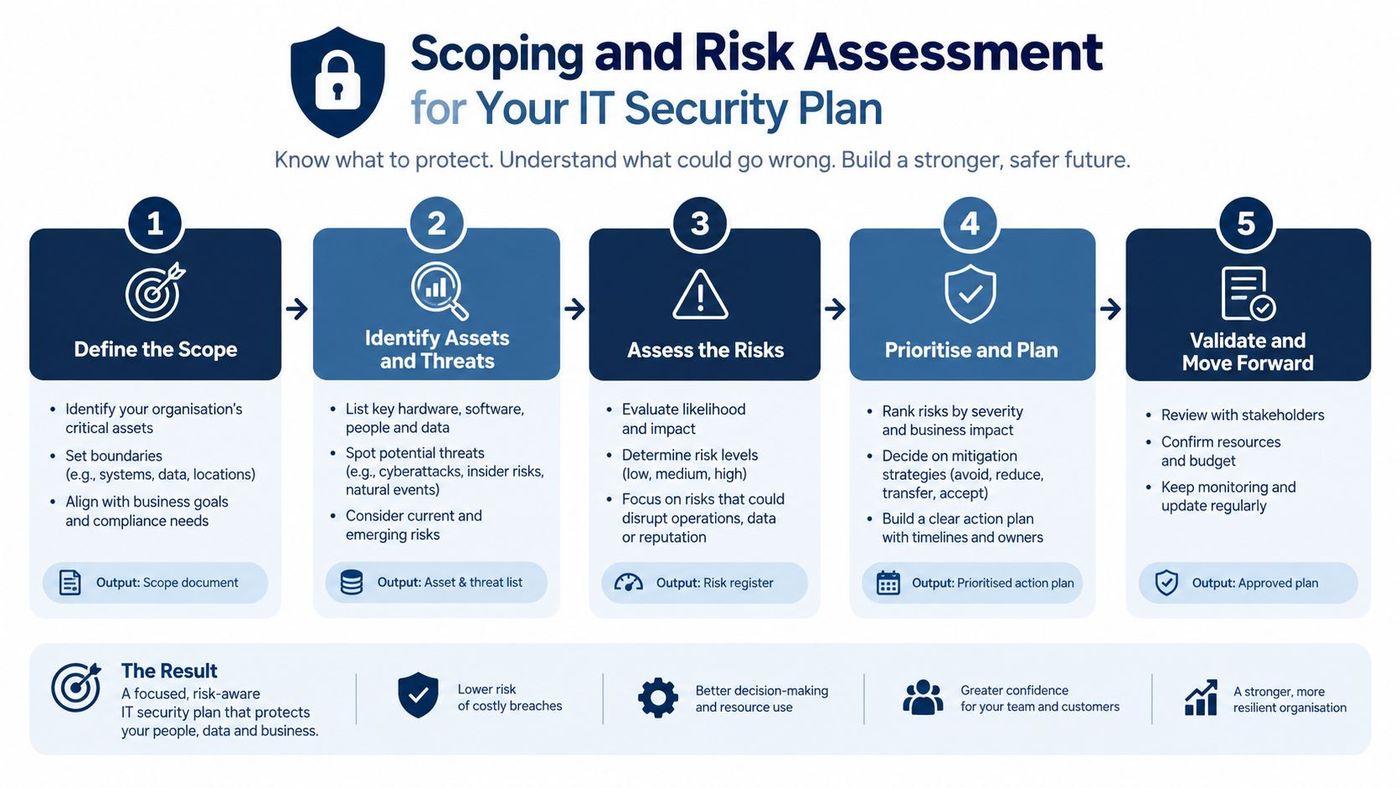
For a 75-person clinic, the inventory might include staff accounts, workstations, clinical applications, Microsoft 365, cloud backups, diagnostic devices, and the sensitive information each system stores or handles. A manufacturer would include office systems as well as production-supporting devices and connections. The point isn't to document every technical detail at once. It's to see what exists, who uses it, and what business function depends on it.
Classify assets by impact. A system that holds patient records or supports a time-sensitive business process deserves more attention than a low-impact tool. Assign each major system a business owner and a technical owner, then identify an executive sponsor who can approve priorities and funding.
| Risk | Likelihood | Business impact | Ranked action |
|---|---|---|---|
| Supplier account compromised | Medium | High | Review access, require MFA, and define vendor escalation |
| Critical systems cannot be restored | Medium | High | Test backups and document recovery ownership |
| Staff account taken over | High | High | Enforce MFA and remove unnecessary privileges |
These are illustrative risks, not measured predictions. Rank risks in terms leaders can act on, including downtime, sensitive information, recovery effort, and operational disruption.
Document exclusions rather than omitting them without comment. If a legacy production system can't be patched immediately, name the system, explain the reason, record its owner, and specify how the organization will limit exposure while deciding what to do next. That turns a template into a risk-owned programme.
The Cyber Centre cites an industry recommendation of 4–7% of the total IT budget for cybersecurity spending (the Centre's small-business cybersecurity guidance). Use it as a planning reference, then connect each requested investment to a risk and an owner. A structured IT risk assessment can help translate that inventory into ranked actions and decisions leaders can defend.
The Cyber Centre identifies 13 baseline control categories for small and medium organizations. Treat them as an operating checklist, not a shopping list. Each needs an owner, an implementation decision, and a way to verify that it works.
Cover incident response; automatic operating-system and application patching; security software; secure device configuration; strong authentication; employee awareness training; backup and encryption; secure mobility; basic perimeter defences; secure cloud and outsourced IT services; secure websites; access control and authorization; and secure portable media (the Cyber Centre's baseline control document).
In practice, automatic patching means assigning someone to monitor deployment exceptions, not merely turning on an update setting. Secure configuration means setting a consistent baseline for devices and checking for drift. Endpoint protection, such as EDR, should alert a responsible person who knows how to investigate and escalate. Least-privilege access means employees receive only the permissions their jobs require, with access reviewed when responsibilities change.
The Cyber Centre highlights four practical starting points: an incident response plan, patching operating systems and applications, strong authentication, and backing up and encrypting data. MFA, tested backup restores, and a clear incident escalation route deserve early attention because they address common failure points without requiring a complicated framework rollout.
| Control | What It Looks Like | Owner | How to Verify |
|---|---|---|---|
| Incident response | Named contacts, severity levels, escalation steps | Security lead | Walk through a scenario and record gaps |
| Automatic patching | Routine OS and application updates, tracked exceptions | IT operations | Review patch status and unresolved exceptions |
| Strong authentication | MFA for business accounts, especially privileged access | IT and system owners | Check MFA coverage and investigate exclusions |
| Encrypted backups | Protected copies of critical data and documented restores | IT and business continuity owner | Restore a selected system or dataset |
A third party can have access to systems and information your own staff protect. The Privacy Commissioner reported that third-party providers, particularly IT and software providers, were targeted more frequently by threat actors. Require supplier due diligence, written security obligations, least-privilege access, MFA, logging, breach-notification procedures, and regular reviews of access.
Use this endpoint security best-practices guide to inform your endpoint decisions, but don't mistake EDR for a complete plan. It works alongside patching, access controls, backups, vendor oversight, and a response process.
A policy matters only if staff know what it requires and someone owns exceptions. Put a short, usable policy set in place: acceptable use, access control, data classification, vendor security, remote work, and incident reporting. Each policy should connect to real systems and decisions, not sit untouched in a shared folder.
Requirements vary with the organization, its data, its contracts, and where it operates. Canadian organizations should assess relevant obligations under PIPEDA and, where applicable, Quebec's Law 25. Clinics should also confirm whether HIPAA applies to their specific activities or contractual relationships. Finance, legal, and other professional firms should identify sector requirements and customer or insurer commitments that affect their controls. Don't assume one policy set automatically satisfies every applicable obligation.
For a useful perspective on how internal tools and compliance considerations intersect, see this discussion of enterprise compliance for internal tools. The practical point for an SMB is straightforward: document which requirements apply, assign someone to interpret them, and keep evidence that key controls are being followed.
IT can manage systems, but it shouldn't be expected to make every privacy, financial, and customer decision alone.
| Role | Primary responsibility |
|---|---|
| Executive sponsor | Approves priorities, accepts documented residual risk, and resolves resource conflicts |
| Security lead | Maintains the risk record, coordinates controls, and escalates incidents |
| Privacy officer | Assesses privacy obligations, breach reporting, and affected-person communications |
| Operations lead | Protects service continuity and coordinates work with frontline teams |
| Finance lead | Helps control payments, insurer contact, and financial response decisions |
Not every organization needs a separate person for each role. One employee may hold more than one responsibility, but each decision still needs a named owner and a backup. Review policies at least annually and whenever a material change makes them inaccurate. Document exceptions with an owner and a review date instead of treating them as invisible.
For a broader view of Canadian privacy requirements, use this overview of Canadian data privacy laws alongside qualified legal advice where needed.
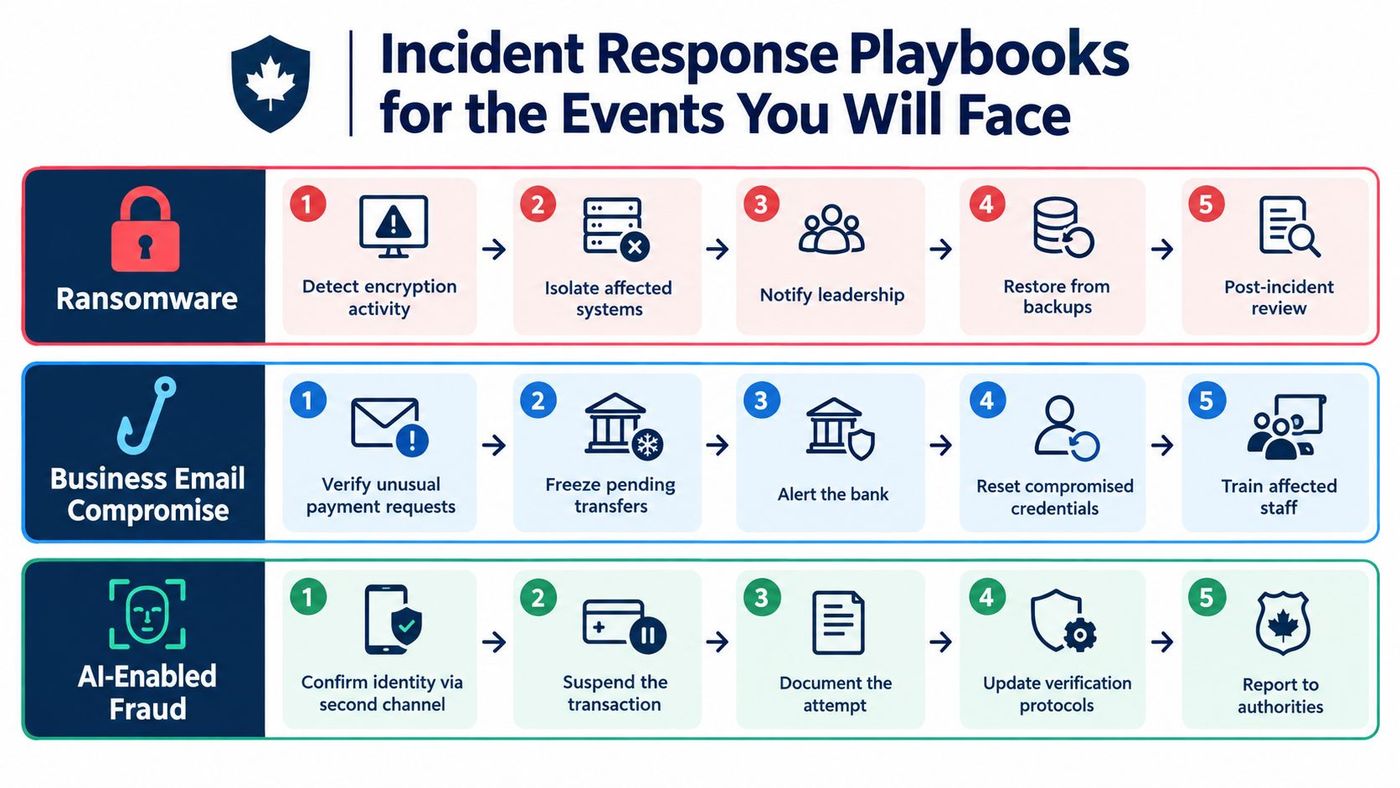
A staff member spots encrypted files, a supplier reports a suspicious invoice, or someone receives an urgent payment request in an executive's voice. Your response should already be written down. Build separate playbooks for ransomware, business email compromise, and AI-enabled fraud, including deepfake executive requests and suspicious activity in Microsoft 365. Staff need clear reporting steps, and decision-makers need defined authority.
Assign decisions before an incident. The security lead coordinates containment and evidence preservation. An authorised IT or security administrator disables compromised accounts or isolates affected devices. The finance lead can pause a pending payment and contact the bank. The privacy officer and executive sponsor assess whether to contact the Office of the Privacy Commissioner of Canada (OPC), affected people, insurers, or other relevant parties. Name a backup for each role.
For ransomware, staff report unusual encryption or inaccessible files immediately. The response team isolates affected systems, preserves evidence, alerts leadership, checks backup integrity, and coordinates recovery. Hold off on restoring systems until the team has assessed which services and accounts may also be compromised.
For business email compromise, verify unusual payment requests through a separate, trusted channel. If funds are at risk, the authorised finance contact pauses the transfer and contacts the bank. IT resets affected credentials, reviews relevant account activity, and preserves evidence.
For AI-enabled fraud, require a second-channel identity check for sensitive requests, including new payment instructions or urgent access changes. A familiar voice, convincing message, or executive title does not prove identity. Record attempted fraud and update verification procedures when an incident exposes a gap.
The Canadian Centre for Cyber Security reported issuing 336 pre-ransomware notifications to more than 300 Canadian organizations in fiscal 2024–25 (the Cyber Centre's ransomware threat outlook). Set up external support for incidents staff cannot manage alone. Define who calls specialist responders and who makes time-sensitive decisions. This guide to threat detection and response can help align detection with your playbooks.
Rehearse the playbooks with IT, finance, reception, clinical or floor staff, operations, and leadership. Record each gap, name an owner, and set a deadline. Use this guide to vendor risk and incident response to support planning across outside providers.
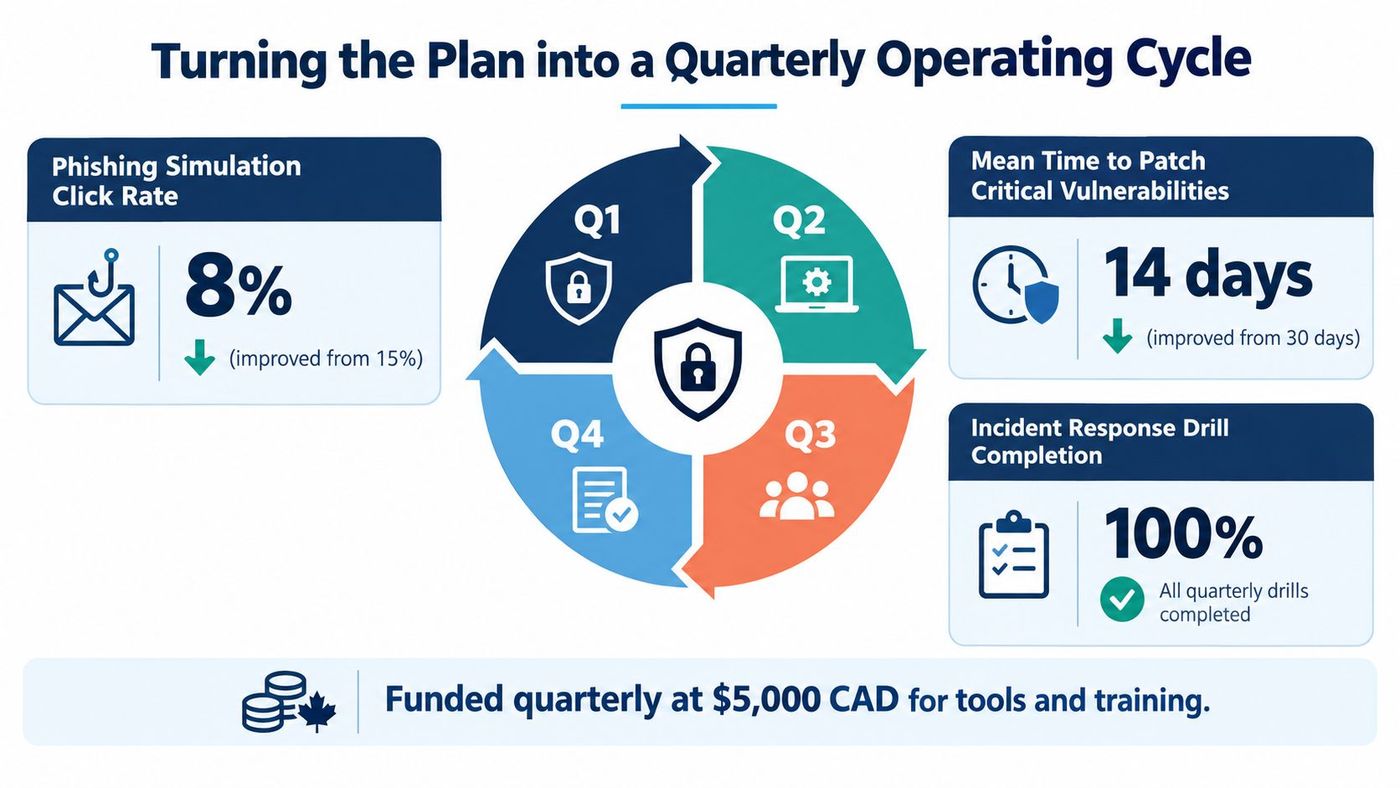
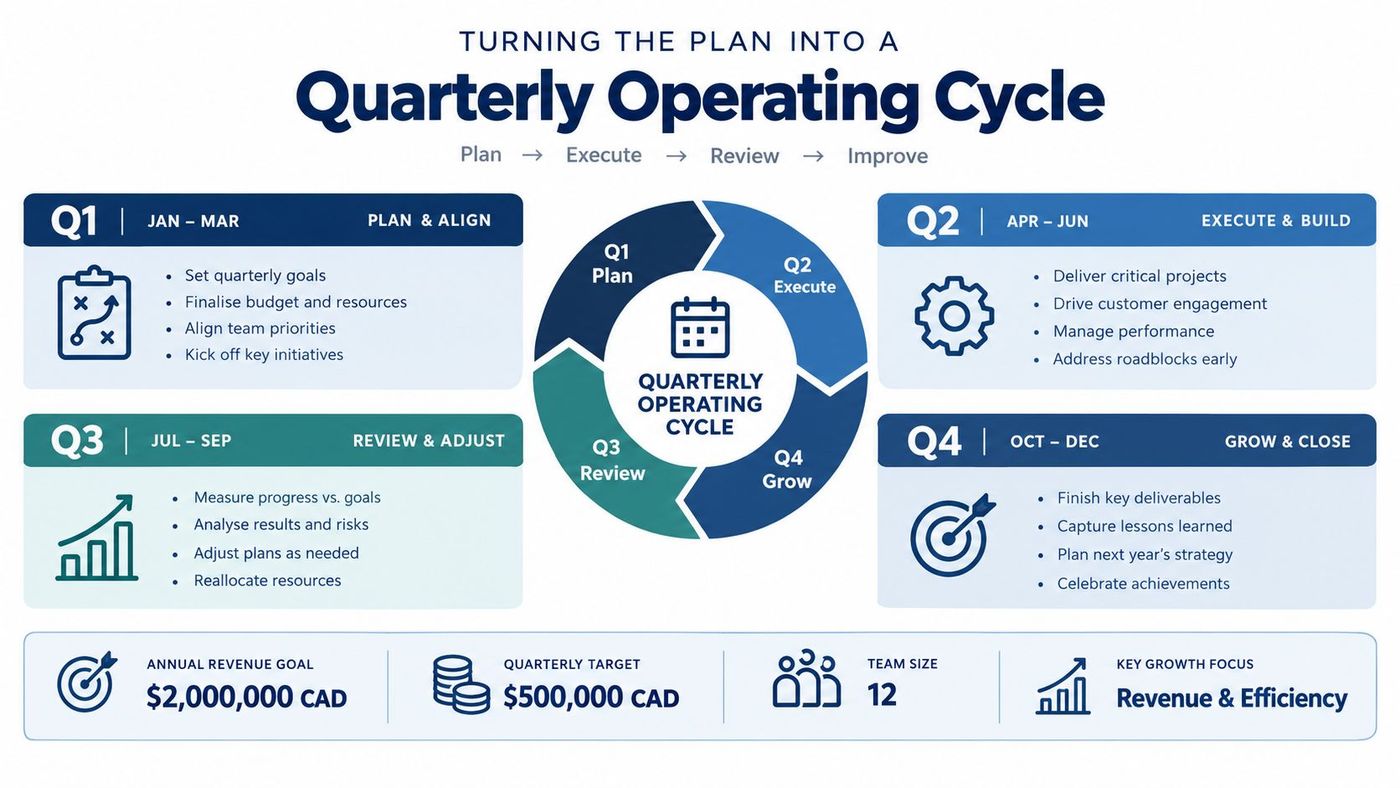
A security plan that nobody reviews becomes a record of what the organization used to believe. Keep it alive with a short quarterly meeting led by an executive sponsor. Review open risks, control ownership, incident lessons, supplier changes, and the funding needed to close priority gaps. A focused 45-minute review is enough when the team brings current information and leaves with assigned decisions.
Track a small set of useful measures: tested restore time, privileged-account and MFA coverage, phishing-reporting rate, mean time to contain, critical suppliers assessed, and staff training completion. Set targets that match your environment, then record who will act when a measure falls short. Don't use invented benchmark values to make a dashboard look impressive. Use your own baseline, explain the business impact, and show whether the gap is closing.
The need for this discipline is visible in Canadian business planning. In the second quarter of 2025, 47.6% of businesses and organizations said they didn't plan to introduce new cybersecurity measures. Among those, 58.4% said they didn't need additional measures, while 7.4% cited insufficient financial resources (Statistics Canada's cybersecurity planning data). That points to a governance and risk-perception problem, not just a funding problem.
A quarterly review makes exposure visible before an incident forces attention. Use a framework such as the NIST Cybersecurity Framework 2.0 to organise discussion, but keep the meeting focused on decisions, named owners, and funded work.
Don't wait for the next planning cycle to begin. In the first 30 days, inventory critical assets, assign an executive sponsor, start MFA rollout, and test a backup restore. By day 60, address patching, endpoint detection and response, supplier reviews, and a ransomware tabletop exercise. By day 90, finalise core policies and incident playbooks, then schedule the quarterly security review.
The barrier is often follow-through, not just budget. Make the work visible, assign owners, and connect spending to risks the business understands. CloudOrbis's vCIO-led security planning can help healthcare, manufacturing, logistics, legal, and finance organizations turn priorities into a financed, measurable programme.
CloudOrbis Inc. provides managed IT, cybersecurity, risk assessment, and strategic vCIO services for Canadian small and mid-sized businesses. Book a vCIO-led security plan review to identify priority risks, assign owners, and map practical next steps with CloudOrbis Inc.
Book a 30-minute call with a senior engineer. No sales script, just straight answers about your environment.


